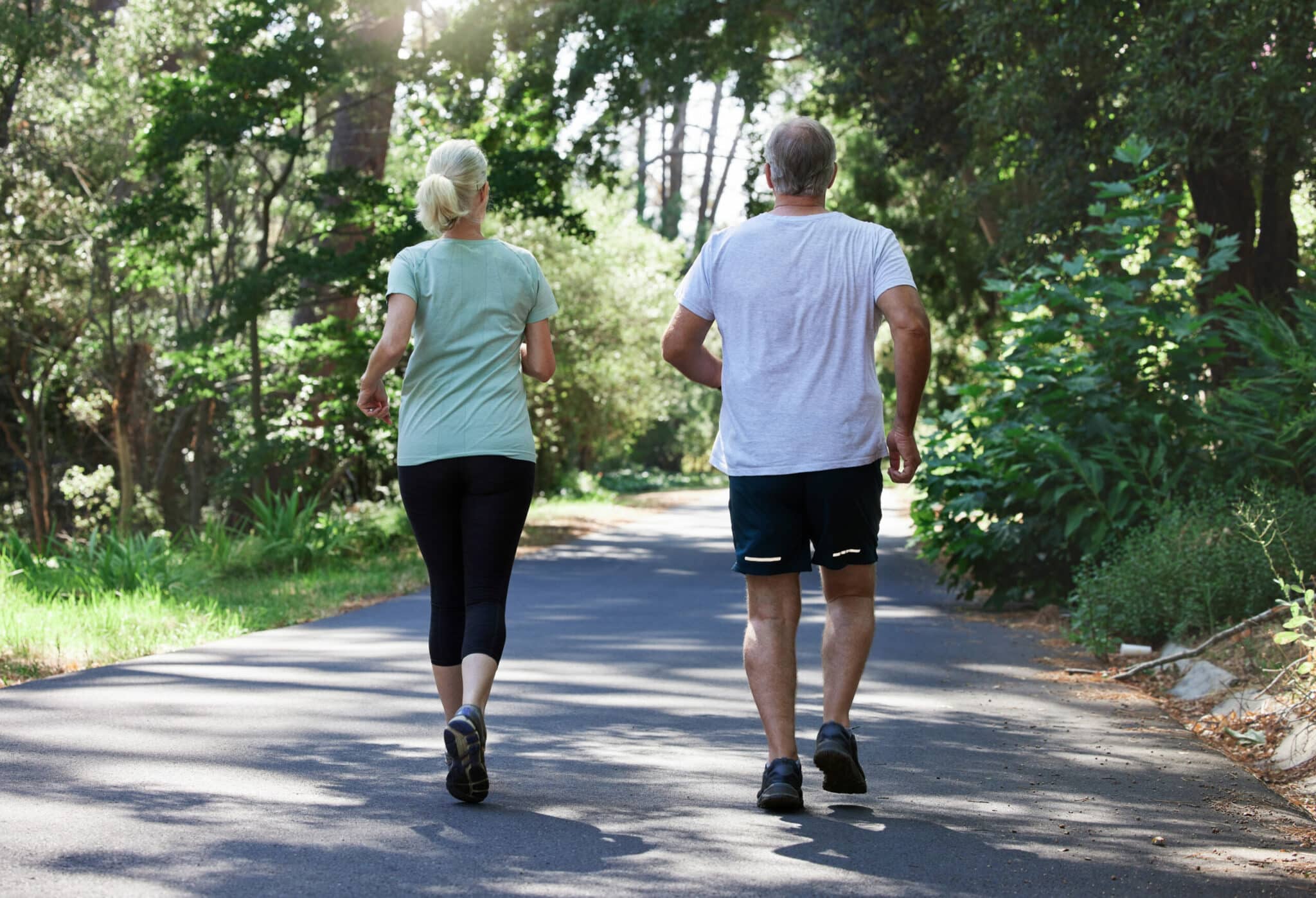
Static vs Dynamic Stretching: What to Use and When
Learn the difference between static and dynamic stretching, when each is most useful, how to do them safely, and simple routines you can try at home or before activity. If you have questions about a specific injury, speak with an OrthoNJ provider.
Stretching helps muscles and joints move more easily. Current sports medicine guidance supports dynamic stretching as the preferred warm-up before activity to raise heart rate and improve mobility. Static stretching is most appropriate after activity or during dedicated flexibility sessions to lengthen tissue over time.
Choosing the right type for the task and for any existing pain or injury helps you perform better and lowers the chance of harm.
What is static stretching?
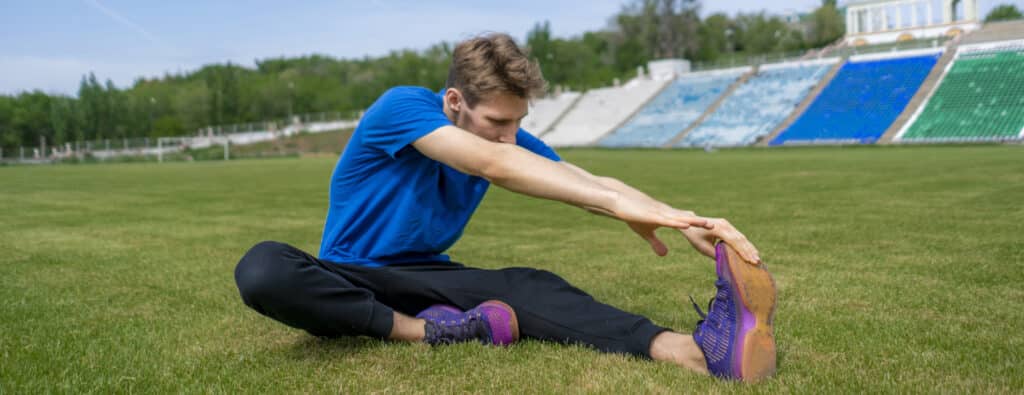
Static stretching means moving into a stretch and holding it without bouncing. It gently lengthens the targeted muscle and the soft tissue around a joint. Use static holds after exercise or during a specific flexibility session.
Common examples: hamstring stretch, calf stretch, chest stretch, quadriceps stretch.
How to do it: move to a comfortable stretch and hold for 15 to 60 seconds per stretch, usually 1 to 3 repetitions per muscle group. Aim for a mild pulling sensation, not sharp pain.
Best time: after exercise or during dedicated flexibility work. Avoid long static holds immediately before explosive efforts because they can temporarily reduce power.
What is dynamic stretching?
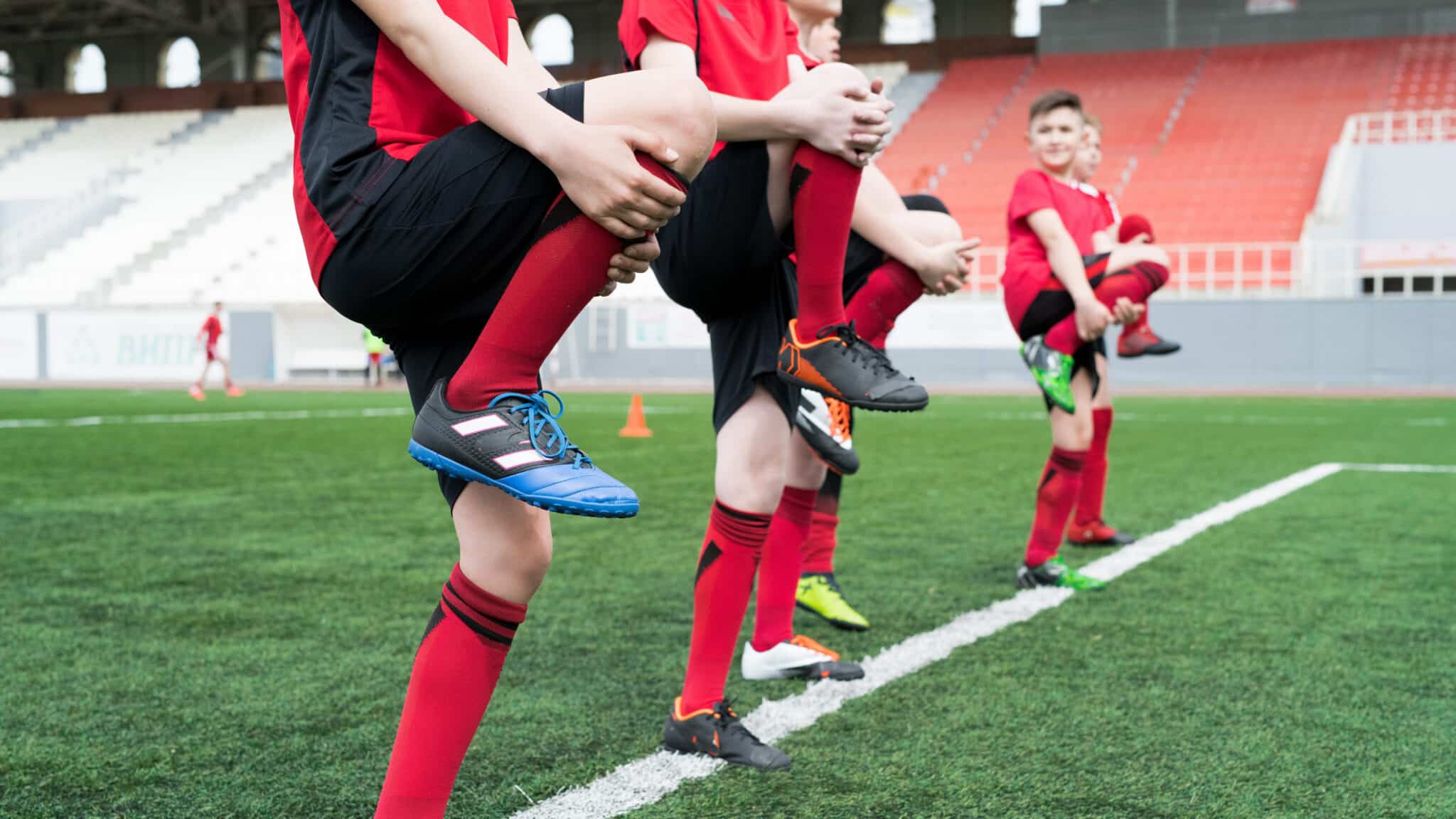
Dynamic stretching uses active, controlled movements that take joints through safe ranges of motion. These movements increase blood flow, raise heart rate, and prepare muscles and nervous system for sport or work tasks.
Common examples: leg swings, arm circles, walking lunges, high knees.
How to do it: perform smooth, controlled repetitions through the intended range. Aim for several reps per movement, commonly 6 to 12 controlled repetitions, enough to raise mobility and comfort without fatigue.
Best time: before exercise as part of a warm-up to prepare your body for activity. Match the movements to the sport or task you will perform.
When to pick one over the other
Use dynamic stretching as the preferred warm-up to raise heart rate and improve mobility before activity. Use static stretching after activity or during dedicated flexibility sessions to work on long term range of motion.
Before sport or hard exercise: start with 1 to 2 minutes of light aerobic movement, then do dynamic stretches that mimic the upcoming activity.
After exercise or during dedicated flexibility sessions: use static holds of 15 to 60 seconds per stretch, 1 to 3 times, to improve flexibility.
If you have tightness but are not exercising right away: a short dynamic routine can increase comfort and mobility for daily tasks.
Static Stretching and Performance
Evidence shows that static stretching performed immediately before explosive activities can cause a small, transient reduction in strength, power, or sprint performance, especially when holds exceed 60 seconds per muscle. For tasks requiring maximal power, favor dynamic warm-ups and reserve static holds for after the session or for separate flexibility training.
Safety Tips and Common Precautions
Stretching is helpful when done carefully. Avoid pushing into sharp or increasing pain. A mild pulling or tight sensation is expected, sharp pain is not acceptable.
Warm up with light movement before deep static stretches.
Keep movements smooth and controlled. Do not bounce into a stretch.
If you have a recent tear, unstable joint, numbness, or uncontrolled pain, get an evaluation before starting a new program.
If stretching causes new or worsening sharp pain, stop and contact OrthoNJ for guidance.
Try this short warm up before exercise: 1 to 2 minutes of light cardio such as marching in place or an easy jog, then 6 to 12 controlled reps of dynamic moves like leg swings, arm circles, walking lunges, and high knees. After your workout, perform static stretches holding each for 15 to 60 seconds, 1 to 3 repetitions per side.
Static stretches to try after activity
Hamstring stretch: sit or stand and reach toward your toes with a soft knee, hold 15 to 60 seconds.
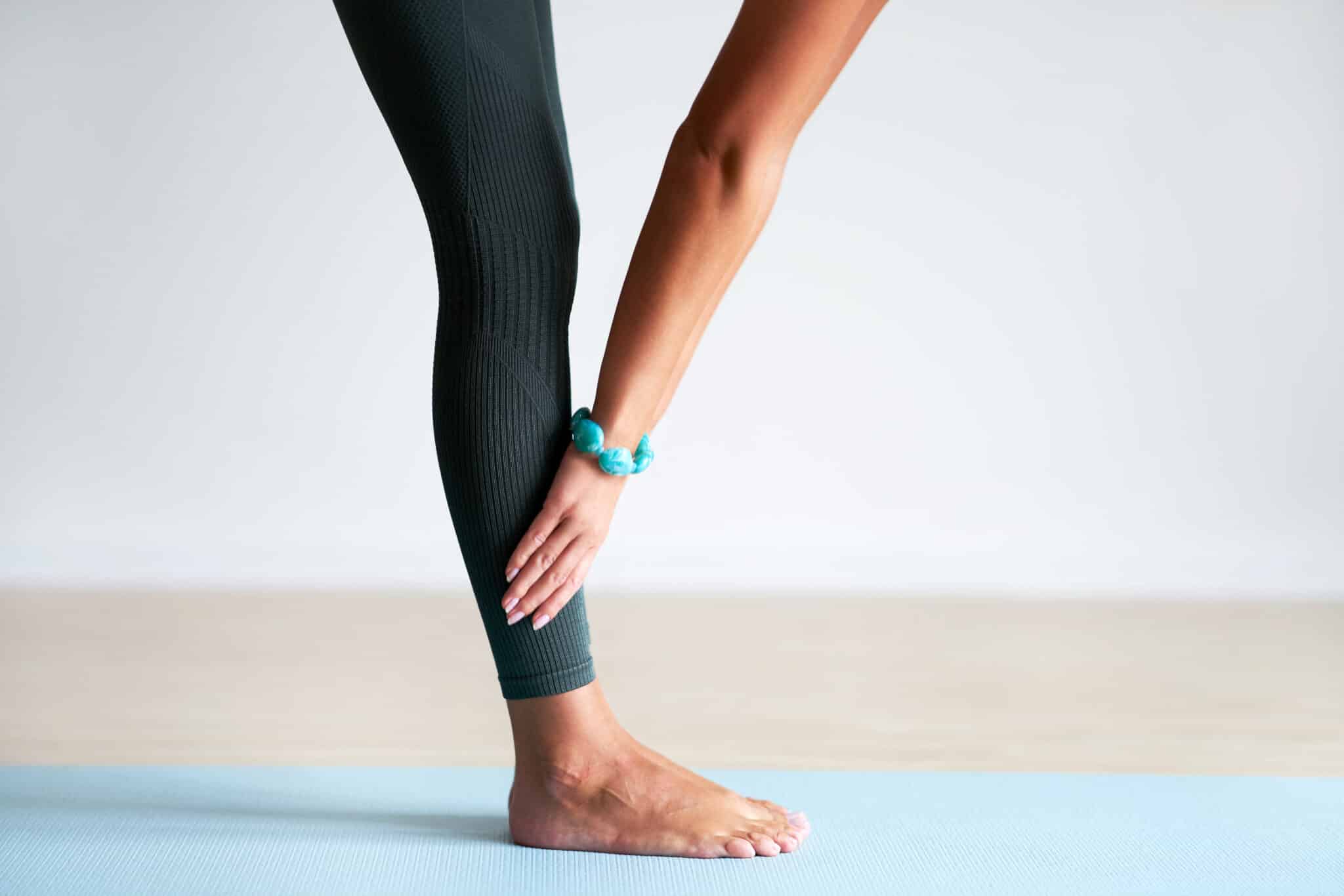
Calf stretch: lean against a wall with one foot behind and heel down, hold 15 to 60 seconds.
Chest stretch: rest your palm on a wall and gently turn away to open the front shoulder, hold 15 to 60 seconds.
Quadriceps stretch: stand, bend the knee, and hold your ankle behind you to feel the front thigh stretch, hold 15 to 60 seconds.
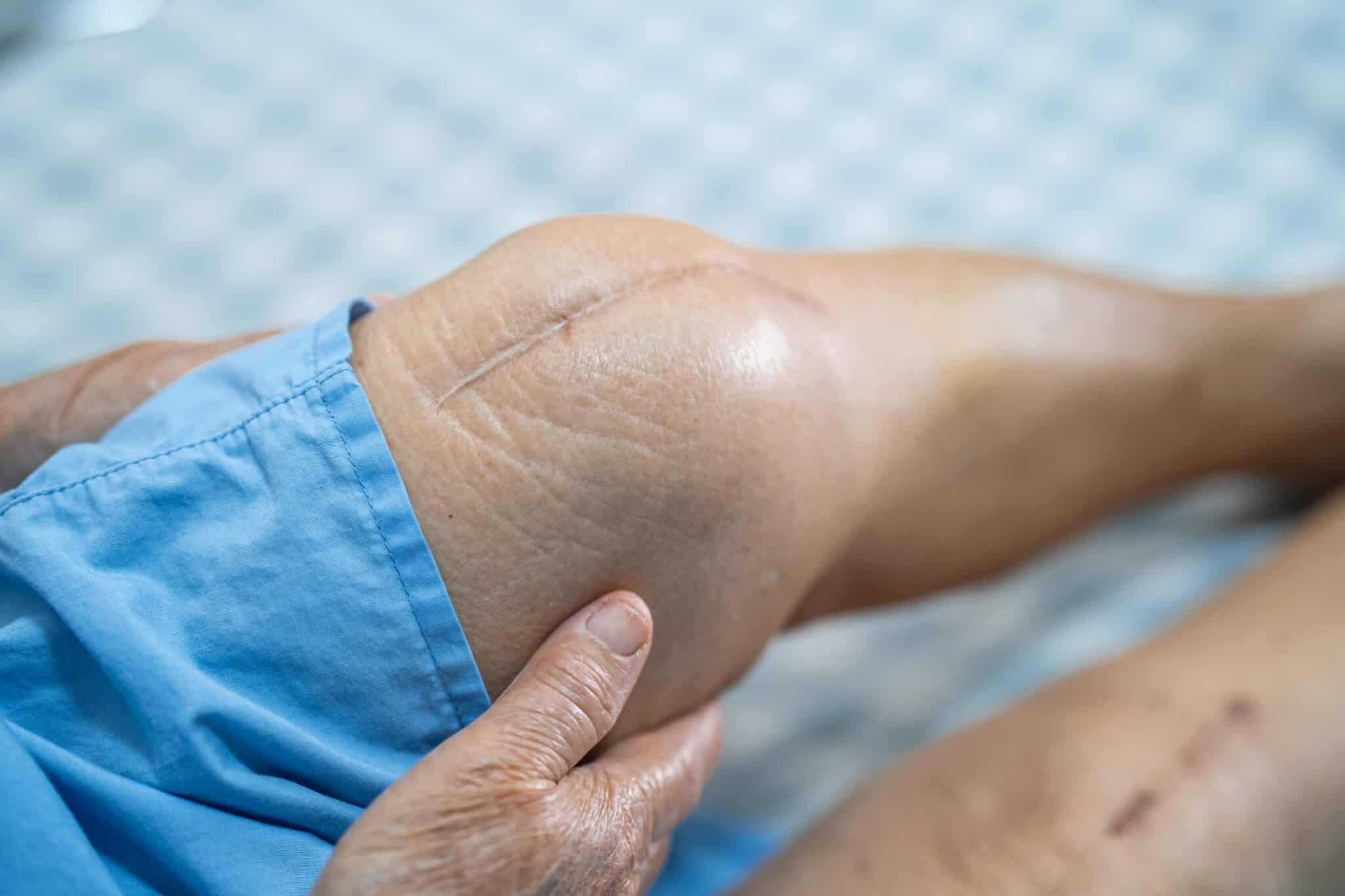
If you have pain or an injury
If stretching causes new or worsening sharp pain, stop and contact OrthoNJ. For recent injuries, instability, numbness, or signs of a tear, get an evaluation before resuming stretching. OrthoNJ can assess your condition, demonstrate safe progressions, and design a plan that matches your healing phase and goals.
This doesnt feel right. Shot of a young woman experiencing shoulder pain while exercising outdoors
Quick takeaways
Use dynamic stretching to warm up and prepare for activity, including a brief 1 to 2 minute light cardio start.
Use static stretching after exercise or during dedicated flexibility sessions, holding stretches 15 to 60 seconds.
Be aware that long static holds before explosive tasks can temporarily reduce power; prefer dynamic work before those activities.
Stop if you feel sharp pain and contact OrthoNJ for evaluation when needed.
Find An OrthoNJ Location
Contact one of OrthoNJ's locations spread out through all of New Jersey.
This treatment info is for informational purposes only.Treatment and recovery vary person to person, and you should consult with your treating physician and team for details on your treatment and recovery process.
The cf_use_ob cookie informs Cloudflare to fetch the requested resource from the Always Online cache on the designated port. Applicable values are: 0, 80, and 443. The cf_ob_info and cf_use_ob cookies are persistent cookies that expire after 30 seconds.
session
__cfwaitingroom
The __cfwaitingroom cookie is only used to track visitors that access a waiting room enabled host and path combination for a zone. Visitors using a browser that does not accept cookies cannot visit the host and path combination while the waiting room is active.
session
cf_chl_rc_i
These cookies are for internal use which allows Cloudflare to identify production issues on clients.
session
cf_chl_rc_ni
These cookies are for internal use which allows Cloudflare to identify production issues on clients.
session
cf_chl_rc_m
These cookies are for internal use which allows Cloudflare to identify production issues on clients.
session
__cfruid
Used by the content network, Cloudflare, to identify trusted web traffic.
session
__cf_bm
Cloudflare's bot products identify and mitigate automated traffic to protect your site from bad bots. Cloudflare places the __cf_bm cookie on End User devices that access Customer sites that are protected by Bot Management or Bot Fight Mode. The __cf_bm cookie is necessary for the proper functioning of these bot solutions.
session
__cflb
When enabling session affinity with Cloudflare Load Balancer, Cloudflare sets a __cflb cookie with a unique value on the first response to the requesting client. Cloudflare routes future requests to the same origin, optimizing network resource usage. In the event of a failover, Cloudflare sets a new __cflb cookie to direct future requests to the failover pool.
session
_cfuvid
The _cfuvid cookie is only set when a site uses this option in a Rate Limiting Rule, and is only used to allow the Cloudflare WAF to distinguish individual users who share the same IP address.
session
cf_clearance
Whether a CAPTCHA or Javascript challenge has been solved.
session
__cfseq
Sequence rules uses cookies to track the order of requests a user has made and the time between requests and makes them available via Cloudflare Rules. This allows you to write rules that match valid or invalid sequences. The specific cookies used to validate sequences are called sequence cookies.
session
cf_ob_info
The cf_ob_info cookie provides information on: The HTTP Status Code returned by the origin web server. The Ray ID of the original failed request. The data center serving the traffic
session
These cookies are needed for adding comments on this website.
Name
Description
Duration
comment_author
Used to track the user across multiple sessions.
Session
comment_author_email
Used to track the user across multiple sessions.
Session
comment_author_url
Used to track the user across multiple sessions.
Session
Google Tag Manager simplifies the management of marketing tags on your website without code changes.
Name
Description
Duration
cookiePreferences
Registers cookie preferences of a user
2 years
td
Registers statistical data on users' behaviour on the website. Used for internal analytics by the website operator.
session
Statistics cookies collect information anonymously. This information helps us understand how visitors use our website.
Google Analytics is a powerful tool that tracks and analyzes website traffic for informed marketing decisions.
Contains information related to marketing campaigns of the user. These are shared with Google AdWords / Google Ads when the Google Ads and Google Analytics accounts are linked together.
90 days
__utma
ID used to identify users and sessions
2 years after last activity
__utmt
Used to monitor number of Google Analytics server requests
10 minutes
__utmb
Used to distinguish new sessions and visits. This cookie is set when the GA.js javascript library is loaded and there is no existing __utmb cookie. The cookie is updated every time data is sent to the Google Analytics server.
30 minutes after last activity
__utmc
Used only with old Urchin versions of Google Analytics and not with GA.js. Was used to distinguish between new sessions and visits at the end of a session.
End of session (browser)
__utmz
Contains information about the traffic source or campaign that directed user to the website. The cookie is set when the GA.js javascript is loaded and updated when data is sent to the Google Anaytics server
6 months after last activity
__utmv
Contains custom information set by the web developer via the _setCustomVar method in Google Analytics. This cookie is updated every time new data is sent to the Google Analytics server.
2 years after last activity
__utmx
Used to determine whether a user is included in an A / B or Multivariate test.
18 months
_ga
ID used to identify users
2 years
_gali
Used by Google Analytics to determine which links on a page are being clicked
30 seconds
_ga_
ID used to identify users
2 years
_gid
ID used to identify users for 24 hours after last activity
24 hours
_gat
Used to monitor number of Google Analytics server requests when using Google Tag Manager