What is IT Band Syndrome? Causes, symptoms, and IT band stretches.
A tight IT band can feel like a persistent, nagging pain along the outer thigh, often intensifying during activities such as running or climbing stairs. This discomfort may be accompanied by a sense of tightness, stiffness, or even a snapping sensation at the knee or hip, making it difficult to move comfortably or engage in daily activities.
The iliotibial (IT) band is a long, fibrous band of tissue running down the outside of your thigh, extending from the hip to just below the knee. It plays a crucial role in stabilizing both the knee and hip during various activities, including walking, running, and cycling. IT band syndrome (ITBS) is also known as iliotibial band friction syndrome. It is a common injury caused by overuse where the IT band becomes tight or inflamed, causing discomfort, pain, and limited mobility.
What Does IT Band Syndrome Feel Like?
IT band issues often develop gradually, starting as mild discomfort and eventually becoming persistent pain if not addressed. Symptoms of IT band syndrome are commonly felt along the outer part of the knee but can also affect the hip.
Here’s a closer look at what IT band issues feel like:
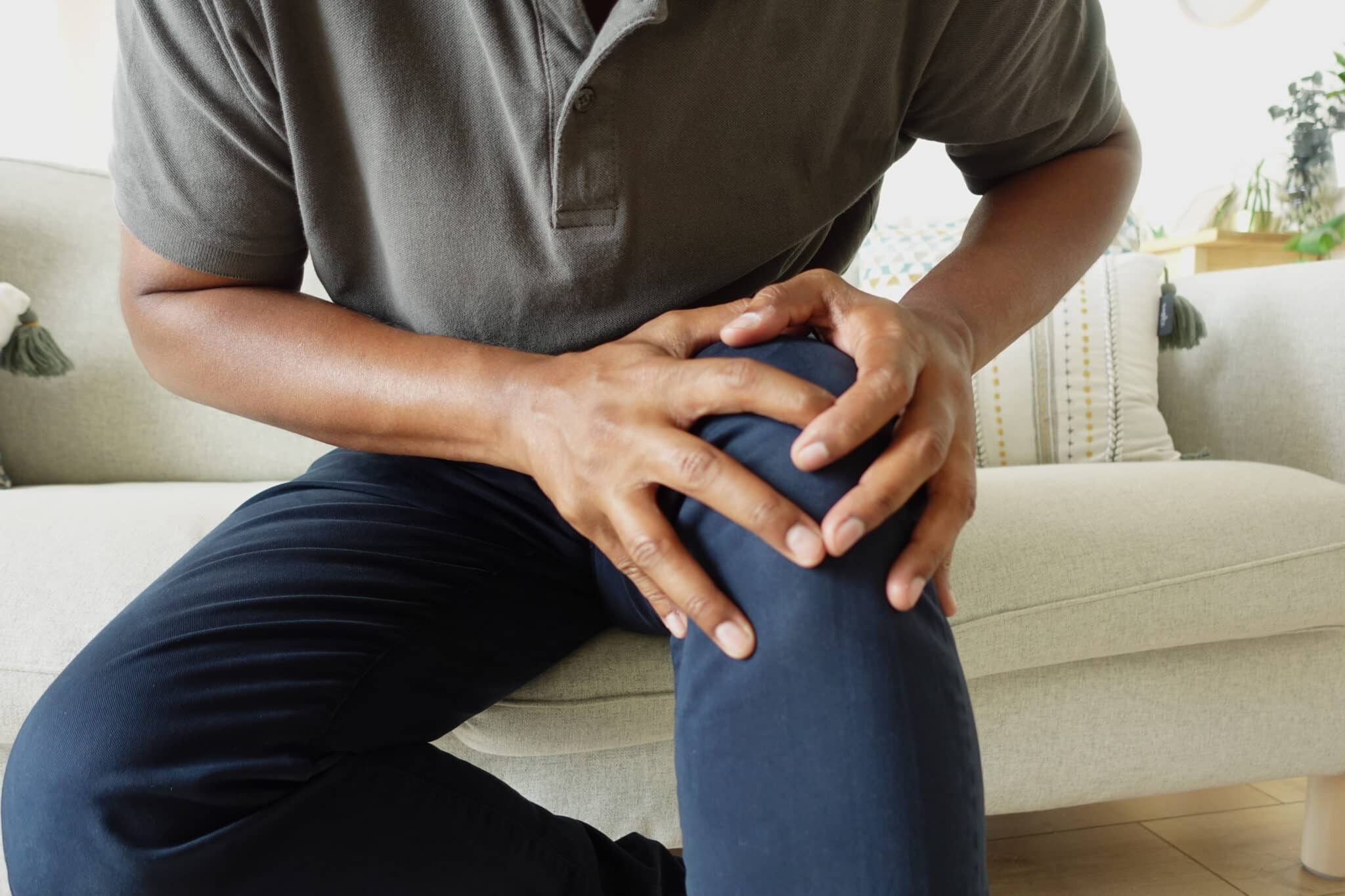
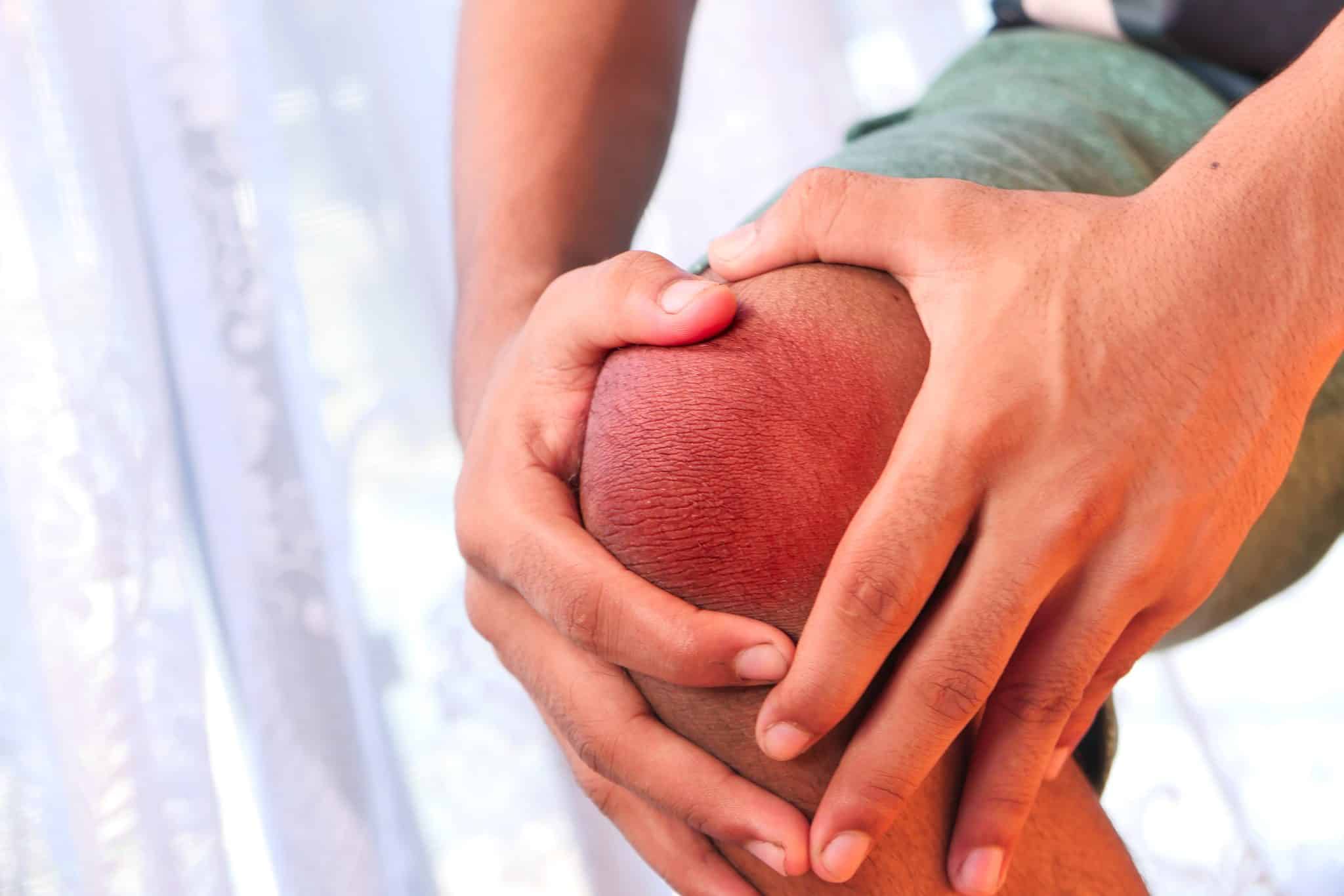
Outer knee pain: The most typical symptom experienced is a sharp or aching pain on the outside of the knee, particularly during or after activities like running or cycling.
Hip discomfort: Some individuals may experience pain on the outer side of the hip, where the IT band connects.
Tightness: A constant sensation of tightness running along the outer thigh from your hip to your knee, making it difficult to fully extend or bend your leg.
Snapping sensation: A "snapping" feeling may occur when moving the leg, particularly when transitioning from sitting to standing or during repetitive activities like running.
Worsening symptoms with activity: Pain often intensifies during exercises that involve repetitive knee flexion and extension, such as running downhill or cycling.
Living with IT band syndrome can make even everyday movements uncomfortable. Walking long distances, standing up for a seated position, or climbing stairs may become challenging due to the pain and stiffness.
Why Choose an OrthoNJ Doctor for Your Care?
OrthoNJ is different from your typical medical provider. Unlike many in the industry, we prioritize patient care over profits. Our six divisions work collaboratively to ensure the best outcomes for our patients. We believe in the "Power to Put Patients First," our doctors and divisional partners strive to uphold this commitment to our patients in every aspect of our medical care.
With over 120 fantastic physicians, all board-certified, board-qualified, or fellowship-trained, OrthoNJ offers top-tier expertise across a wide range of specialties.
We serve over 250 communities throughout New Jersey, providing treatment and continuing care for various orthopedic needs.
With more than 30 statewide offices, our reach extends across the entire state. Whether in North Jersey, South Jersey, or anywhere between, OrthoNJ proudly serves you.
The Daily Impact of Having a Tight IT Band
A tight IT band doesn’t just affect athletic performance—it can make your simple daily activities difficult.
Here are some ways IT band syndrome can impact your day-to-day life:
Difficulty walking or running: You may notice discomfort with each step, making walking or running painful, especially on uneven surfaces or downhill paths.
Limited range of motion: As tightness increases, you may find it hard to fully extend your leg, limiting your ability to squat, lunge, or perform other lower-body movements.
Challenges with sitting and standing: Sitting for long periods can cause the IT band to tighten, making standing up uncomfortable and leading to a stiff, painful leg.
Disrupted sleep: The pain may also disrupt sleep, particularly if you tend to sleep on the affected side, putting pressure on the IT band.
Effective Home Treatments for a Tight IT Band
The good news is that many IT band issues can be addressed with simple home treatments, including IT band stretches and mobility exercises.
Here are some of the most effective techniques to relieve IT band tightness:
IT Band Stretches
Regularly incorporating IT band stretches into your routine is crucial for alleviating tightness and preventing flare-ups. Here are some effective stretches:
Standing IT Band Stretch: Stand upright and cross your left leg over your right. Lean your upper body slightly to the right, feeling a stretch along the outer side of your left thigh. Hold for 30 seconds, then switch sides.
Seated IT Band Stretch: Sit on the floor with your legs extended. Cross your right leg over your left and place your right foot flat on the floor. Slowly twist your upper body to the right, placing your left elbow on the outside of your right knee. Hold for 30 seconds, then repeat on the other side.
Supine IT Band Stretch: Lie on your back. Lift your right leg straight up and cross it over your body toward the left. Keep your shoulders flat on the ground. Hold this stretch for 20-30 seconds and then switch legs.
Foam Rolling for IT Band Pain Relief
Foam rolling is another excellent way to release tightness in the IT band. To foam roll the IT band:
Lie on your side with a foam roller under your outer thigh.
Slowly roll from your hip to your knee, pausing on any tight spots for 20-30 seconds.
Repeat this process 2-3 times per leg, focusing on areas that feel tight or tender.
Foam rolling helps to break down any scar tissue you may have, improve circulation, and alleviate tightness in the IT band and surrounding muscles.
IT Band Exercises
Weakness in the hip muscles and glutes can contribute to IT band syndrome. To help strengthen the supporting muscles try incorporating the following exercises into your routine:
Clamshells Exercise: Start by lying on your side with your knees bent. Keep your feet together and lift your top knee while keeping your pelvis stable. This strengthens the glutes, which help stabilize the IT band.
Hip Bridges: Lie on your back with your knees bent and feet flat on the floor. Lift your hips toward the ceiling, squeezing your glutes at the top. Hold for a few seconds, then lower your hips back down.
Side Leg Raises: While lying on your side, lift your top leg straight up and hold for a few seconds before lowering it. This targets the gluteus medius, which plays a key role in stabilizing the hip and IT band.
Rest and Ice
If you have acute IT band pain, rest from aggravating activities like running or cycling. Apply ice to the affected area for 15-20 minutes several times a day to reduce inflammation.
While many IT band issues can be managed with home treatments, there are times when it's essential to see a professional.
You should consult an orthopaedic specialist if:
Pain persists despite stretching, foam rolling, and strengthening exercises.
Symptoms worsen or begin to interfere with daily life and athletic activities.
You experience swelling, redness, or warmth around the knee or hip, which could indicate inflammation or another underlying issue.
The best type of specialist for IT band syndrome is an orthopaedic sports medicine physician or a physical therapist who specializes in treating running and cycling injuries. Our ONJ divisions have these experts who can provide you with personalized treatment plans and advanced treatments like cortisone injections, or, in rare cases, they can recommend surgery to address persistent IT band issues.
Don't Let IT Band Issues Hold You Back
Although IT band issues can significantly impact your physical activity and daily life, they don't have to be a permanent setback. By regularly incorporating IT band stretches, strengthening exercises, and foam rolling into your routine, you can relieve tightness, alleviate pain, and prevent future problems. However, if symptoms persist, it's essential to consult an orthopaedic specialist to ensure proper diagnosis and treatment. For more guidance on IT band syndrome or to schedule a consultation with one of our experienced orthopaedic specialists, contact us today.
IT band syndrome is a common cause of pain on the outer side of the knee, and sometimes along the outer thigh. The iliotibial band is a strong length of connective tissue that runs down the outside of the leg, and when it becomes irritated where it crosses the knee, it can produce a sharp or burning ache, particularly with repetitive activity. It is seen most often in runners and cyclists, but anyone who ramps up activity quickly can develop it.
What it feels like and what brings it on
The pain usually builds during activity and is often worse going downhill or down stairs. Like many overuse complaints, it tends to come from a combination of doing too much too soon and weakness around the hip, rather than a single cause.
Easing IT band syndrome
Most people improve by easing off the aggravating activity for a time, rather than stopping altogether, and working on strength around the hips and glutes as symptoms settle. A gradual return to full activity matters, because going back too hard too soon is a common reason it returns. If it is not improving, our sports medicine physicians can help.
When to see a specialist
It is worth having it looked at if the outer-knee pain persists despite rest, keeps returning, or limits your activity, so the underlying contributors can be addressed rather than just the symptoms.
Frequently asked questions
What is IT band syndrome?
It is irritation of the iliotibial band where it crosses the outside of the knee, causing pain on the outer knee or thigh, often with running or cycling.
How do you treat IT band syndrome?
Many people improve by easing off the aggravating activity for a time, strengthening the hips and glutes, and returning to activity gradually. Persistent cases are worth having assessed.
How long does IT band syndrome take to heal?
It varies with the person and how it is managed. Milder cases often settle over a few weeks with the right adjustments.
When should I see a doctor for outer knee pain?
Consider an evaluation if the pain persists despite rest, keeps returning, or limits your activity.
The cf_use_ob cookie informs Cloudflare to fetch the requested resource from the Always Online cache on the designated port. Applicable values are: 0, 80, and 443. The cf_ob_info and cf_use_ob cookies are persistent cookies that expire after 30 seconds.
session
__cfwaitingroom
The __cfwaitingroom cookie is only used to track visitors that access a waiting room enabled host and path combination for a zone. Visitors using a browser that does not accept cookies cannot visit the host and path combination while the waiting room is active.
session
cf_chl_rc_i
These cookies are for internal use which allows Cloudflare to identify production issues on clients.
session
cf_chl_rc_ni
These cookies are for internal use which allows Cloudflare to identify production issues on clients.
session
cf_chl_rc_m
These cookies are for internal use which allows Cloudflare to identify production issues on clients.
session
__cfruid
Used by the content network, Cloudflare, to identify trusted web traffic.
session
__cf_bm
Cloudflare's bot products identify and mitigate automated traffic to protect your site from bad bots. Cloudflare places the __cf_bm cookie on End User devices that access Customer sites that are protected by Bot Management or Bot Fight Mode. The __cf_bm cookie is necessary for the proper functioning of these bot solutions.
session
__cflb
When enabling session affinity with Cloudflare Load Balancer, Cloudflare sets a __cflb cookie with a unique value on the first response to the requesting client. Cloudflare routes future requests to the same origin, optimizing network resource usage. In the event of a failover, Cloudflare sets a new __cflb cookie to direct future requests to the failover pool.
session
_cfuvid
The _cfuvid cookie is only set when a site uses this option in a Rate Limiting Rule, and is only used to allow the Cloudflare WAF to distinguish individual users who share the same IP address.
session
cf_clearance
Whether a CAPTCHA or Javascript challenge has been solved.
session
__cfseq
Sequence rules uses cookies to track the order of requests a user has made and the time between requests and makes them available via Cloudflare Rules. This allows you to write rules that match valid or invalid sequences. The specific cookies used to validate sequences are called sequence cookies.
session
cf_ob_info
The cf_ob_info cookie provides information on: The HTTP Status Code returned by the origin web server. The Ray ID of the original failed request. The data center serving the traffic
session
These cookies are needed for adding comments on this website.
Name
Description
Duration
comment_author
Used to track the user across multiple sessions.
Session
comment_author_email
Used to track the user across multiple sessions.
Session
comment_author_url
Used to track the user across multiple sessions.
Session
Google Tag Manager simplifies the management of marketing tags on your website without code changes.
Name
Description
Duration
cookiePreferences
Registers cookie preferences of a user
2 years
td
Registers statistical data on users' behaviour on the website. Used for internal analytics by the website operator.
session
Statistics cookies collect information anonymously. This information helps us understand how visitors use our website.
Google Analytics is a powerful tool that tracks and analyzes website traffic for informed marketing decisions.
Contains information related to marketing campaigns of the user. These are shared with Google AdWords / Google Ads when the Google Ads and Google Analytics accounts are linked together.
90 days
__utma
ID used to identify users and sessions
2 years after last activity
__utmt
Used to monitor number of Google Analytics server requests
10 minutes
__utmb
Used to distinguish new sessions and visits. This cookie is set when the GA.js javascript library is loaded and there is no existing __utmb cookie. The cookie is updated every time data is sent to the Google Analytics server.
30 minutes after last activity
__utmc
Used only with old Urchin versions of Google Analytics and not with GA.js. Was used to distinguish between new sessions and visits at the end of a session.
End of session (browser)
__utmz
Contains information about the traffic source or campaign that directed user to the website. The cookie is set when the GA.js javascript is loaded and updated when data is sent to the Google Anaytics server
6 months after last activity
__utmv
Contains custom information set by the web developer via the _setCustomVar method in Google Analytics. This cookie is updated every time new data is sent to the Google Analytics server.
2 years after last activity
__utmx
Used to determine whether a user is included in an A / B or Multivariate test.
18 months
_ga
ID used to identify users
2 years
_gali
Used by Google Analytics to determine which links on a page are being clicked
30 seconds
_ga_
ID used to identify users
2 years
_gid
ID used to identify users for 24 hours after last activity
24 hours
_gat
Used to monitor number of Google Analytics server requests when using Google Tag Manager